
Feature study
The right document. A shorter path.
An anonymous account of documented work. The emphasis is on the structure, decisions, and tangible deliverables.
The information challenge
A community resource library can contain both web pages and long documents. Visitors should be able to search the collection without knowing which format contains the answer. The design challenge was to make discovery useful while explaining the limits of the underlying material.
The implemented approach
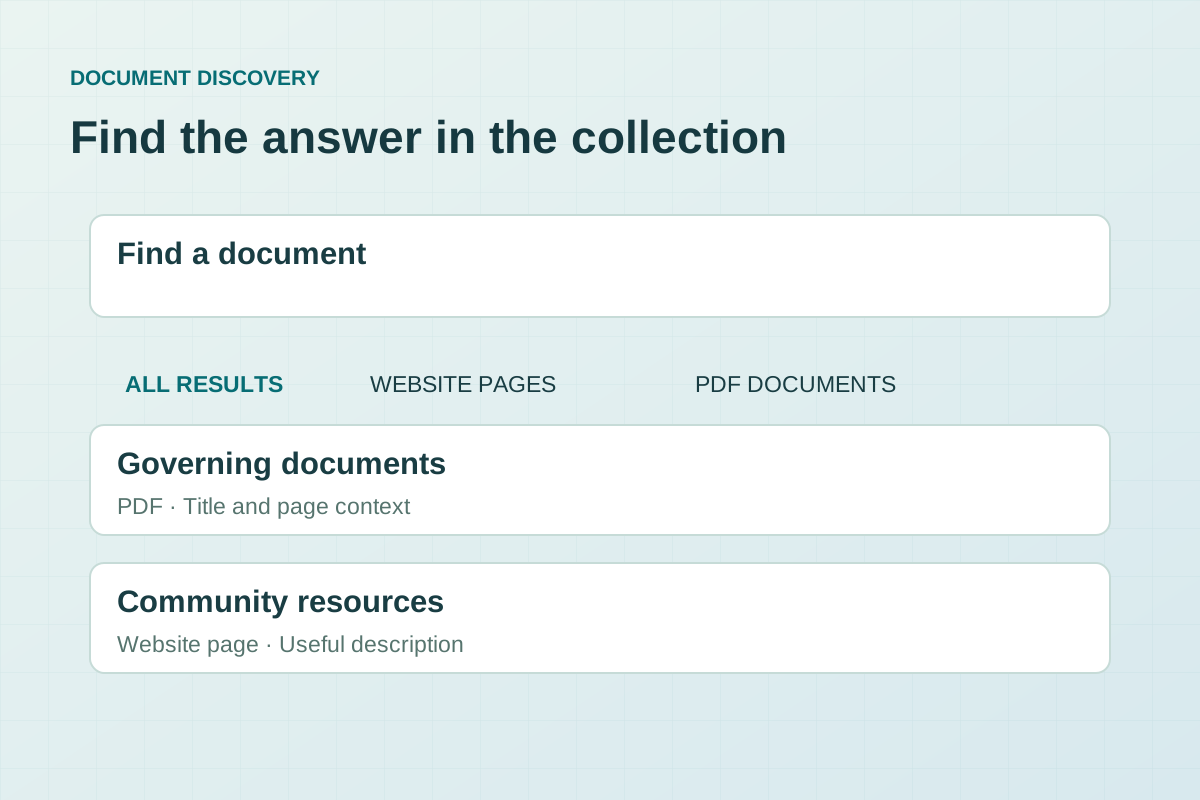
The reviewed search interface offers all results, website pages, or PDF documents. Its code matches all the words in a query, gives title matches more weight, and presents results with a clear content-type label and a short excerpt. Where indexed document-page text is available, a result can link to the matching PDF page.
The details that matter
Results appear in manageable groups, with a control to reveal more. Empty searches, no-match queries, and loading failures have distinct messages. The interface explains that some scanned documents can only be found by title until their text is made searchable. That limitation is visible rather than hidden behind an apparently complete search box.
What the evidence supports
The local HTML, search script, and index structure demonstrate a built search feature within a development preview. This account does not claim comprehensive document coverage, a completed production rollout, or measured time savings. It is a closer look at the same community website described in the resident-resources overview, not a separate client engagement.
The design takeaway
Search is more than a field and a button. Result labels, useful excerpts, meaningful states, and honest coverage information help people decide which result is worth opening.
What would you like
to make possible?
A new website. A clearer brand. A better way to work.